Remote
Across Quebec
Diagnosis, settings, accounts and software when the issue can be handled securely online.

ZOMFY / TECHNOLOGY & PEOPLE
On-site in Victoriaville and Centre-du-Québec, by appointment.
For businesses and individuals: computers, access, email, Wi-Fi and networks. Clear support tailored to your situation.
Remote across Quebec · On-site by appointment

HOW WE HELP
Remote support is available across Quebec when appropriate. Home and business visits depend on the location, the issue and availability.
Across Quebec
Diagnosis, settings, accounts and software when the issue can be handled securely online.
Based on location
Computer, Wi-Fi and peripheral help in Victoriaville and nearby communities, by appointment and subject to availability.
By appointment
Support for workstations, access and business tools. Travel and scope are confirmed before the visit.
01 · Businesses and organizations
Minimum qualification, verifiable authorization and a defined intervention before action.
Windows, Mac, workstations, printers, displays and professional software.
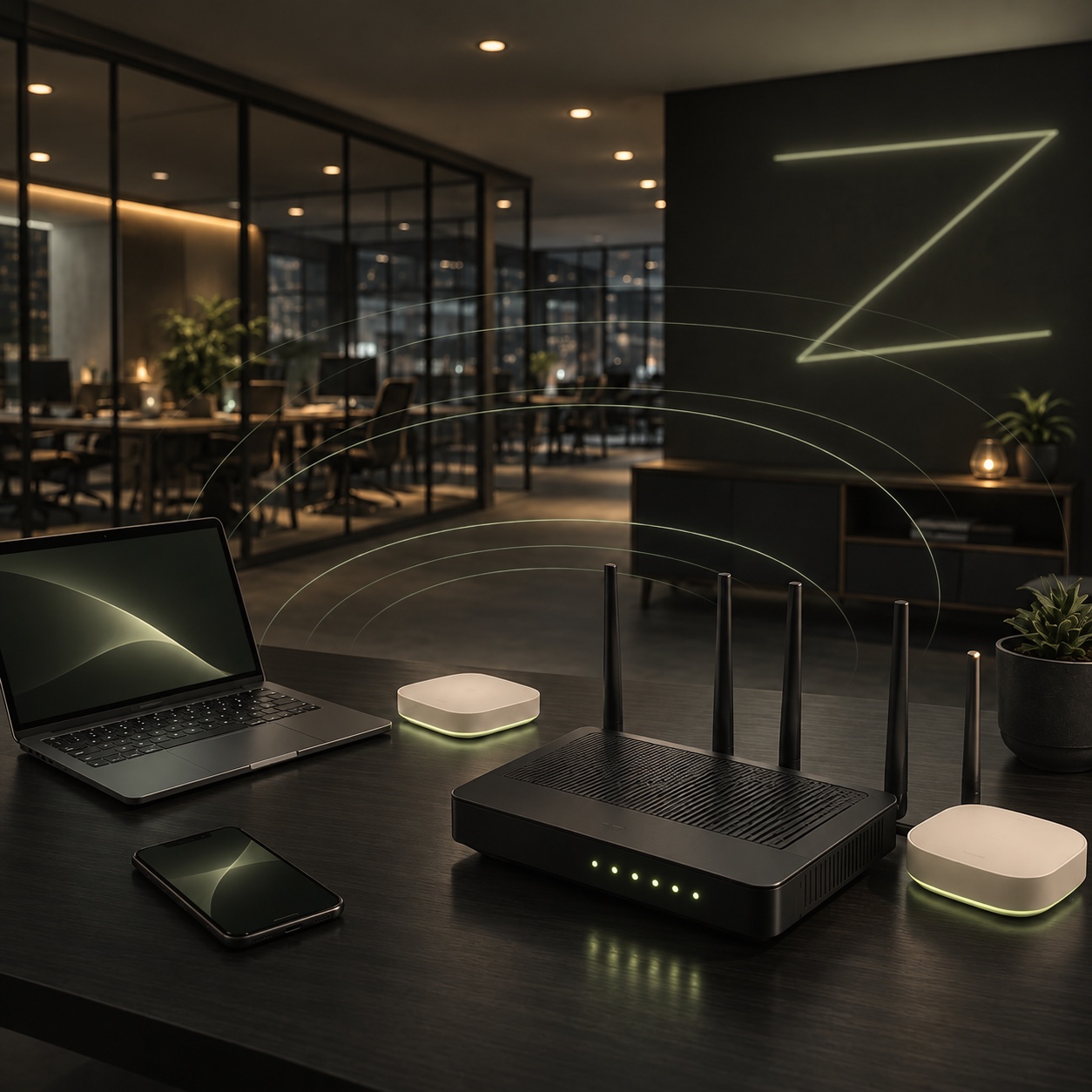
Diagnostics, router, access points, connection, configuration and provider coordination.
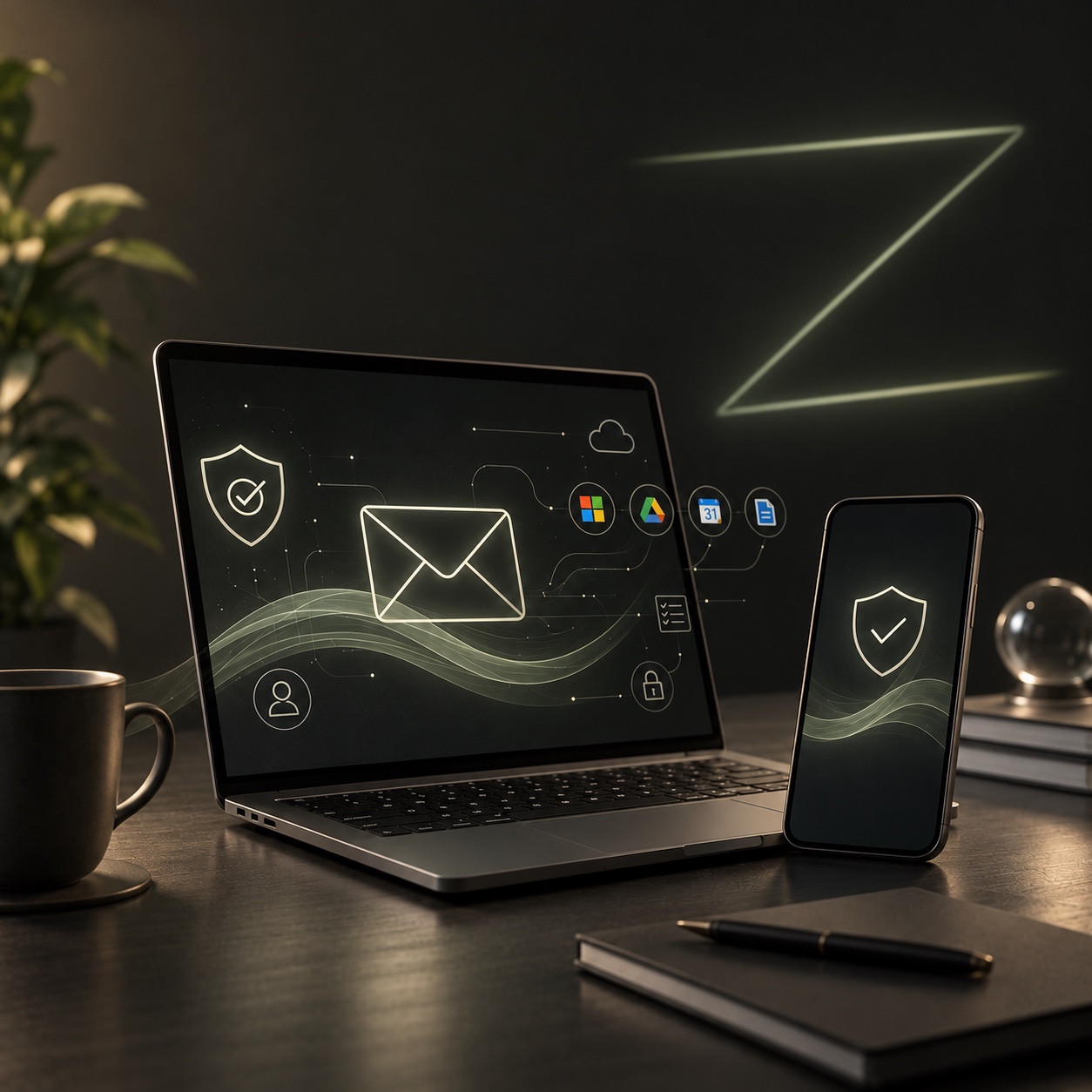
Microsoft 365, Google Workspace, accounts, one-off migrations, SPF, DKIM and DMARC.

Invitations, roles, permissions, MFA, employee joiners or leavers and official recovery.

Domains, DNS, hosting, SaaS tools, administrator accounts and existing integrations.

New tool, domain transfer, email migration, user setup and minimal documentation.
02 · Individuals and home
A one-off intervention to bring a workstation, network or account back into shape while respecting official procedures.





03 · Describe your IT need
Three short steps. Questions that adapt to your situation.
Request, qualification, initial diagnosis, proposal, acceptance, one-off intervention, validation and closeout.
No. ZOMFY does not present a help desk, continuous monitoring, SLA or guaranteed availability as a current offer. No 24/7 support is offered by default.
YOUR NEXT STEP