
Identify affected devices, dropout frequency and differences between locations or available connections.
ZOMFY / TECHNOLOGY & PEOPLE
Fewer interruptions.
More clarity.
Wi-Fi and network troubleshooting in Victoriaville.
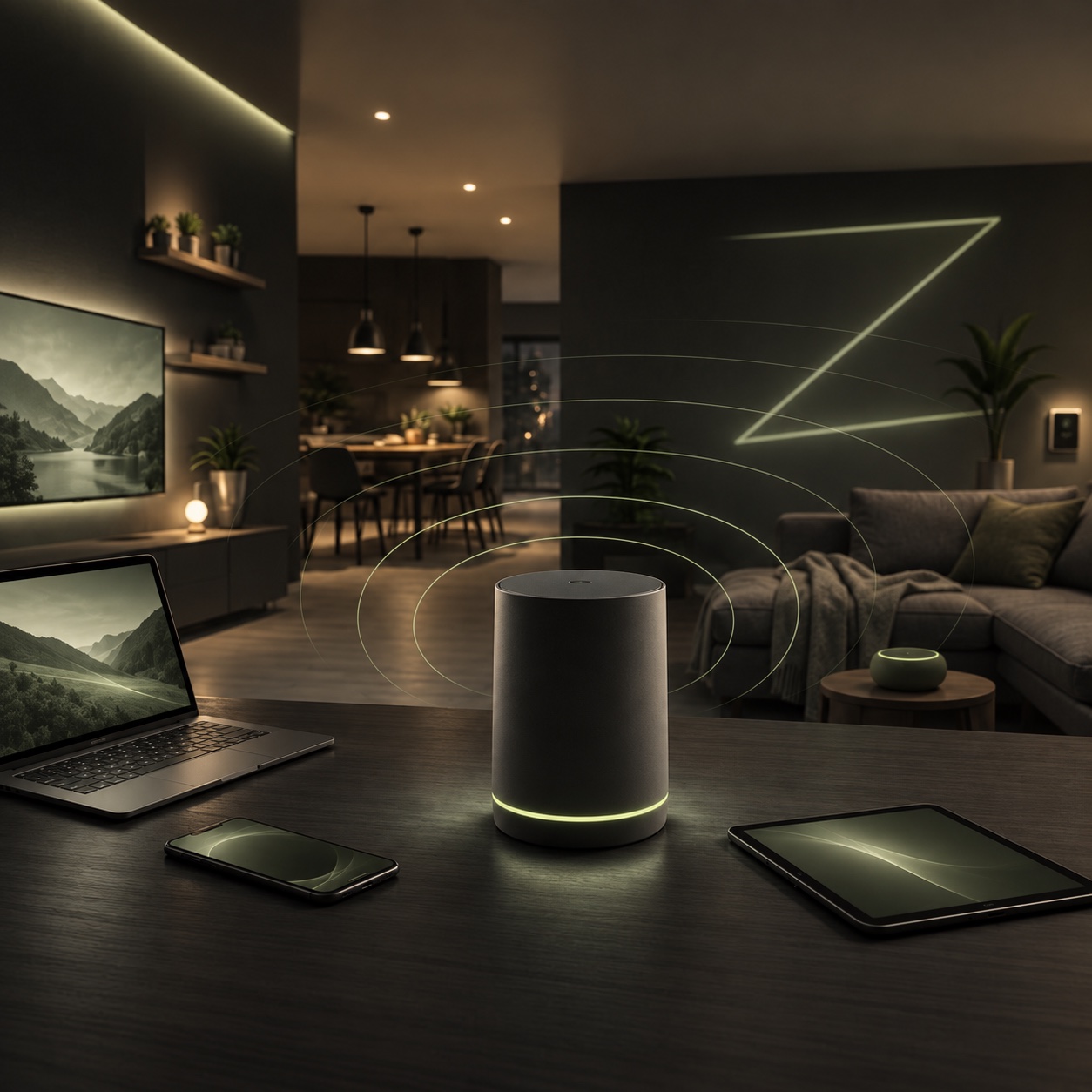
Are video calls dropping, certain rooms poorly covered or printers disappearing from the network? ZOMFY helps identify what is happening between your devices, Wi-Fi and internet connection.
Targeted assistance · By appointment · Scope agreed in advance
Wi-Fi & networks
Provider
Router
Devices
01 · Problem solved
Distinguish Wi-Fi, device and provider issues.
A disconnected printer, one computer with slow Wi-Fi and an outage on every device call for different checks. We compare symptoms, coverage and equipment to guide configuration changes or prepare the information your internet provider needs.
02 · Who we help
Connectivity for home and work.
- Households experiencing Wi-Fi drops or weak coverage in some rooms.
- People working from home with unstable connections or interrupted video calls.
- Small businesses needing to reconnect workstations, printers or authorized network equipment.
03 · Ways we can help
Targeted checks before changing equipment.
Review placement, accessible settings and coverage, and assess existing mesh equipment where relevant.
Help connect a Windows computer, Mac, printer or other device to the intended network using authorized access.
Explain configuration changes, potential improvements and what to check with the provider or before a purchase.
04 · What to expect
Observe, check, adjust and try.
- ObserveDescribe the locations, devices and times when the connection becomes unstable.
- CheckCompare symptoms and agree on checks, access, the appointment and fees.
- AdjustApply agreed adjustments or identify actions that need the internet provider.
- TryTest the affected tasks with you and explain observations and recommended next steps.
05 · Practical advice
Useful clues before contacting us.
Note whether one or several devices disconnect, whether it happens in a particular room and whether the router displays a message. Keep the equipment model and provider’s name handy. These details help distinguish a coverage problem from a wider incident.
06 · Frequently asked questions
Prepare your support request.
Why does my Wi-Fi drop when the internet works elsewhere?
Symptoms may depend on coverage, the device, network settings or equipment. Diagnosis compares affected devices and locations before suggesting adjustments. A specific cause cannot be confirmed from the symptom alone.
Can you help connect a printer or new computer?
Yes. Requests can involve connecting a Windows computer, Mac or printer to an existing network. Provide the models, connection method and what already works to help prepare the relevant checks.
Can you help when the internet provider has an outage?
ZOMFY can help distinguish a local network problem from a provider incident and gather useful observations. Restoring an internet line or resolving an outage within the provider’s network is the internet provider’s responsibility.
What does Wi-Fi or network diagnosis cost?
The cost depends on the number of devices, existing setup, checks required and whether a visit is needed. The proposal specifies work and fees for approval. New equipment is considered only after the need is clarified and requires a separate agreement.
Is support limited to Victoriaville?
Requests can come from Victoriaville, nearby communities and Centre-du-Québec. Provide your location to confirm a visit and any travel arrangements. Remote diagnosis depends on the connection’s condition and the checks required.
07 · Request help
Describe your connection problem.
List the affected devices, your location and when disconnections occur.
YOUR NEXT STEP